 This morning I've been upgrading the Postgres database on my Windows XP laptop to version 8.3.
During the installation it asks for the password of the service account of previous PostgreSQL version. The default value is 'postgres', but sure enough I forgot what password I used when I originally installed it.
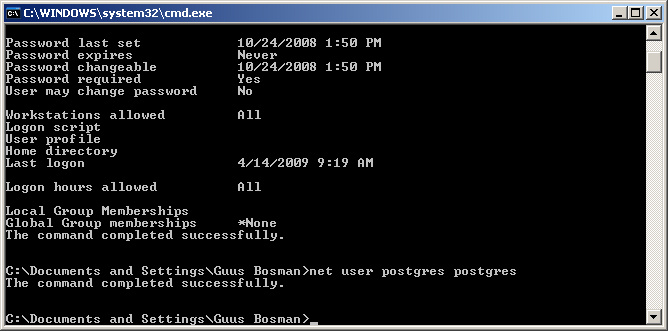
I found this useful post on how to change the password for any Windows user. From the Windows command line execute the following to reset the password to 'postgres'.
net user postgres postgres
That worked, so now I'm ready to complete the installation and be able to use the new Ruby pg gem that was recently release for Windows.